Your first upload
Upload your first media files to footage.one.
Uploading media
There are several ways to upload media to footage.one:
Drag & drop
Simply drag and drop files into the upload area. You can upload individual files or entire folders.
Upload dialogue
Click the Upload button in the toolbar and select files from your computer.
Supported formats
footage.one currently supports:
- Images: JPEG, PNG, TIFF, GIF, AVIF
- Camera RAW: DNG, ARW, CR2, CR3, NEF, RAF (preview from the embedded JPEG)
- Video: MP4, MOV, M4V, MPG, MXF
- Documents: PDF
Audio (WAV, MP3) and CAD files (DXF, DWG) are imported too, but show no preview image. HEIC and WebP are not supported at the moment. The full list is in the upload documentation.
After the upload
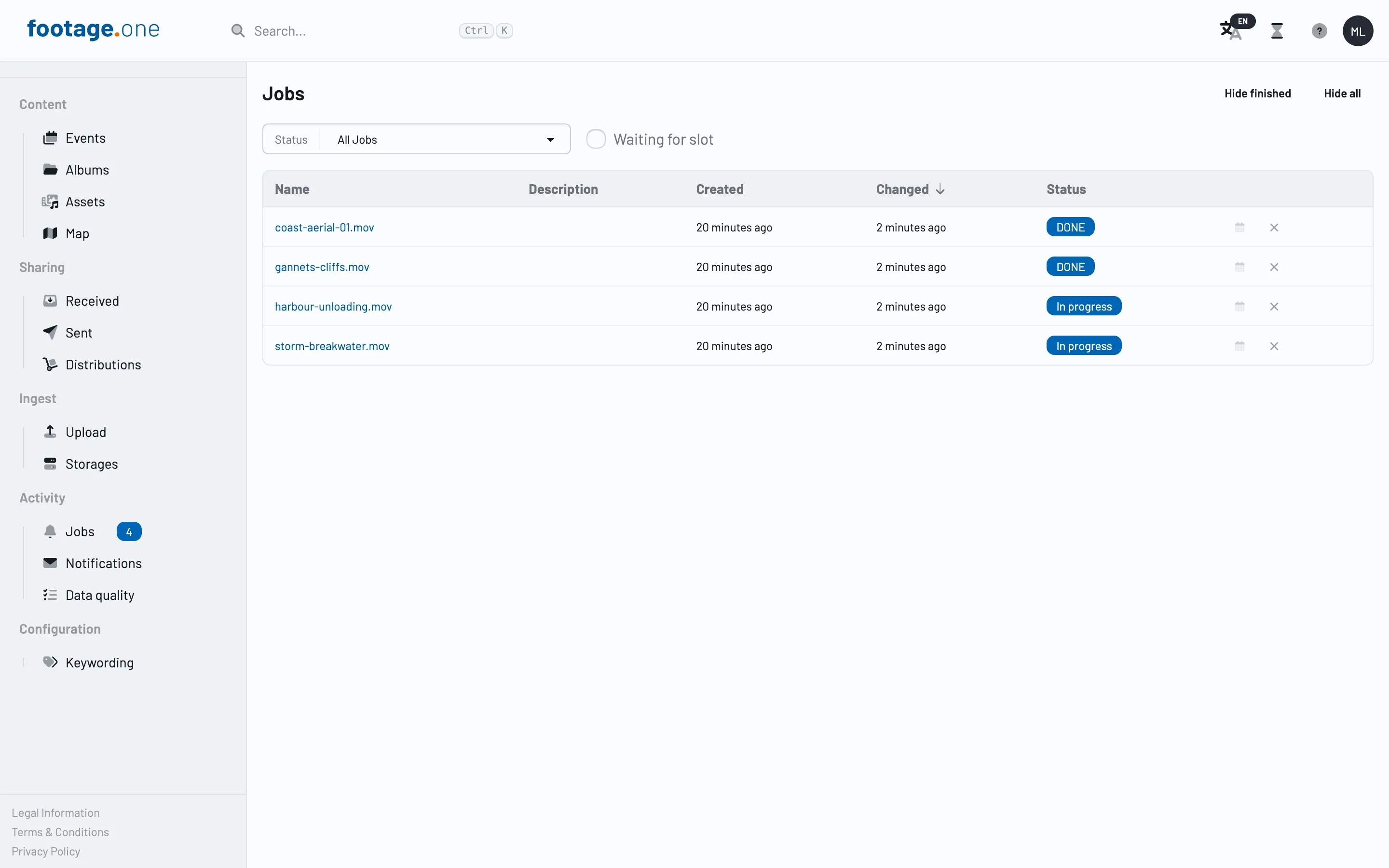
After uploading, your media are analysed automatically. Metadata is read and preview images are generated.