
Organisation. Structure for Your Media Libraries
Organise your media in projects, albums, and flexible structures. For maximum clarity.
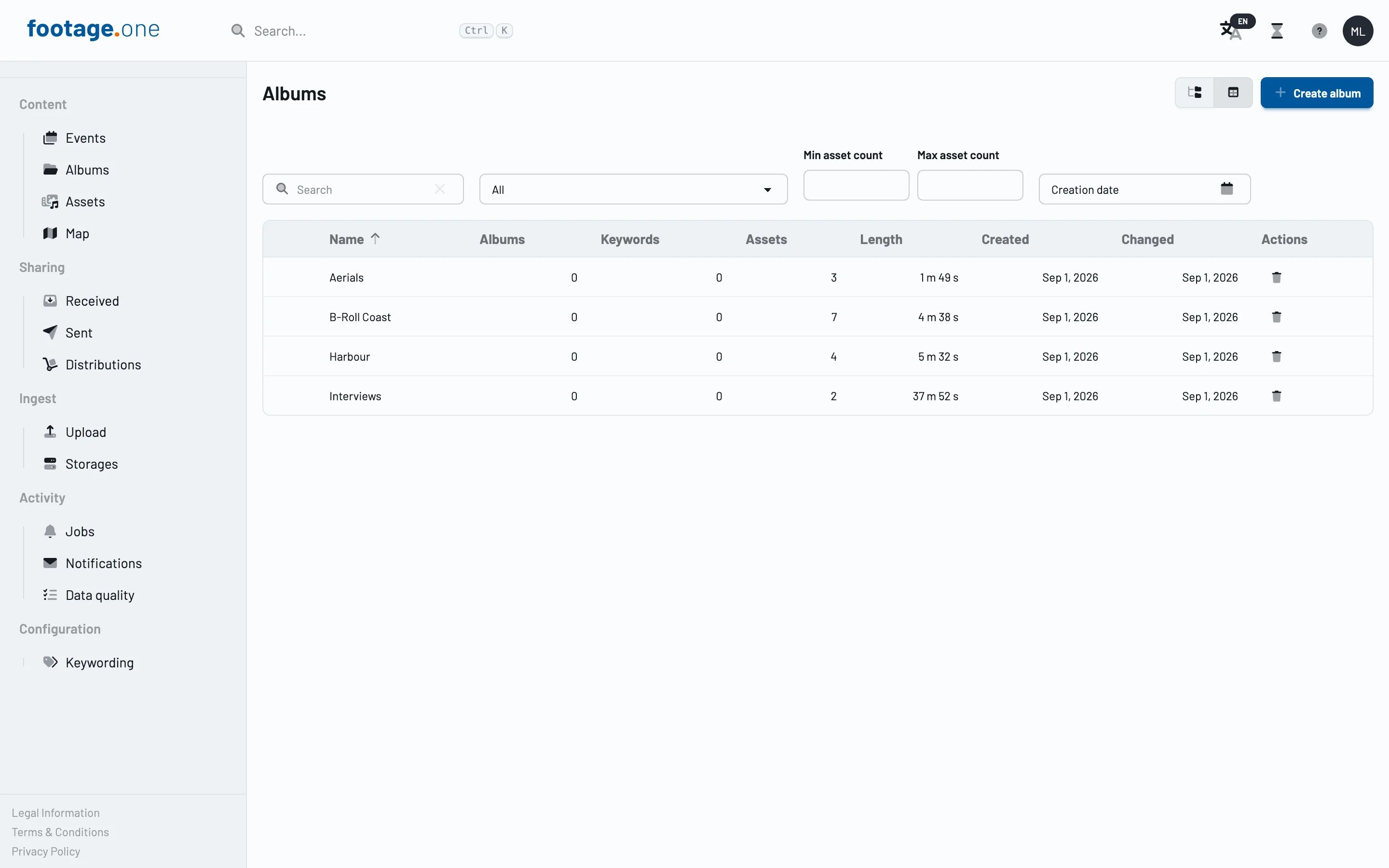
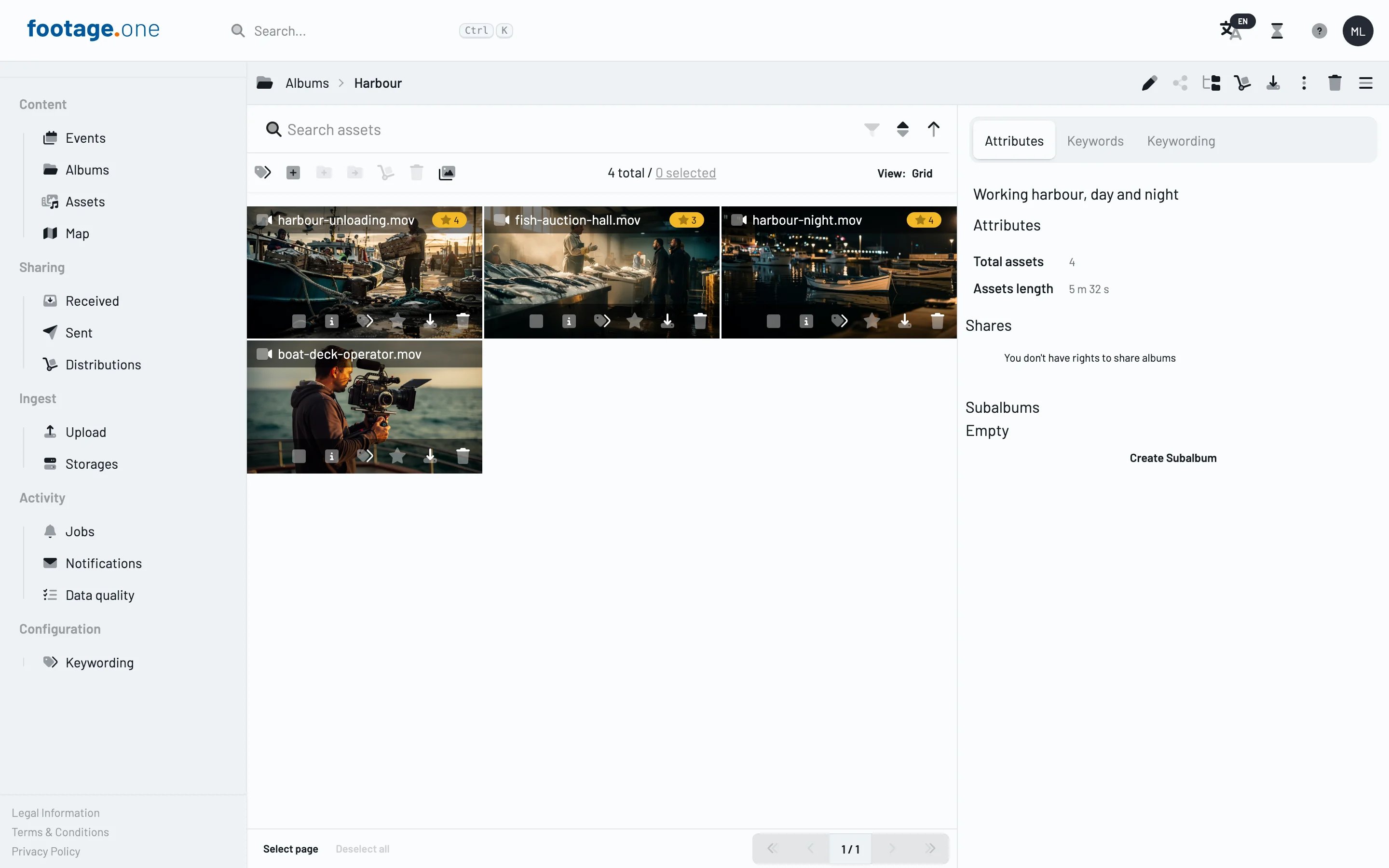
Order that grows with you
Whether 500 or 500,000 assets: footage.one gives you flexible organisational structures that grow with your requirements. Projects, albums, and smart filters ensure you can always find any piece of media quickly.
Projects as a framework
Projects form the overarching framework for your media. Whether a client project, event, or campaign, each project brings all related assets together in one place.
- Project structure: Create as many projects as you need and organise them hierarchically
- Project-level metadata: Time period, responsible persons, status — everything at a glance
- Cross-project search: Find assets across project boundaries
Albums for flexible curation
Albums let you group assets independently of their project structure:
- Thematic collections: Group assets by theme, campaign, or intended use
- Sharing albums: Compile albums for external partners or clients
- Dynamic assignment: A single asset can appear in any number of albums
Smart filters and views
- Saved searches: Define frequently used filter sets as quickly accessible views
- Faceted navigation: Combine filters for media type, date, tags, and more
- Sort options: By date, name, relevance, or custom criteria
Map view
Media with GPS data is visualised on an interactive map. Ideal for location-based workflows:
- Geographic search: Find all media captured at a specific location
- Cluster view: When many assets are present, nearby shots are grouped together clearly
- Perfect for tourism, real estate, and event documentation: Where was what captured? The map answers at a glance